Tech Neck: Screen Posture Tips for Neck Pain
Is your smartphone or laptop a pain in the neck?
Do you finish a day at your computer with a stiff neck, tight shoulders or an ache between your shoulder blades?
Your phone, laptop or monitor setup might be contributing to the problem.
“Tech neck” is an informal term for neck and upper back discomfort associated with prolonged screen use, especially when your head stays tilted forward. Tech neck is not a formal medical diagnosis. Neck pain often has several contributing factors, including previous injuries, stress, sleep, activity levels and workstation design.
A few practical changes should help reduce unnecessary strain during your day.
Why head position matters
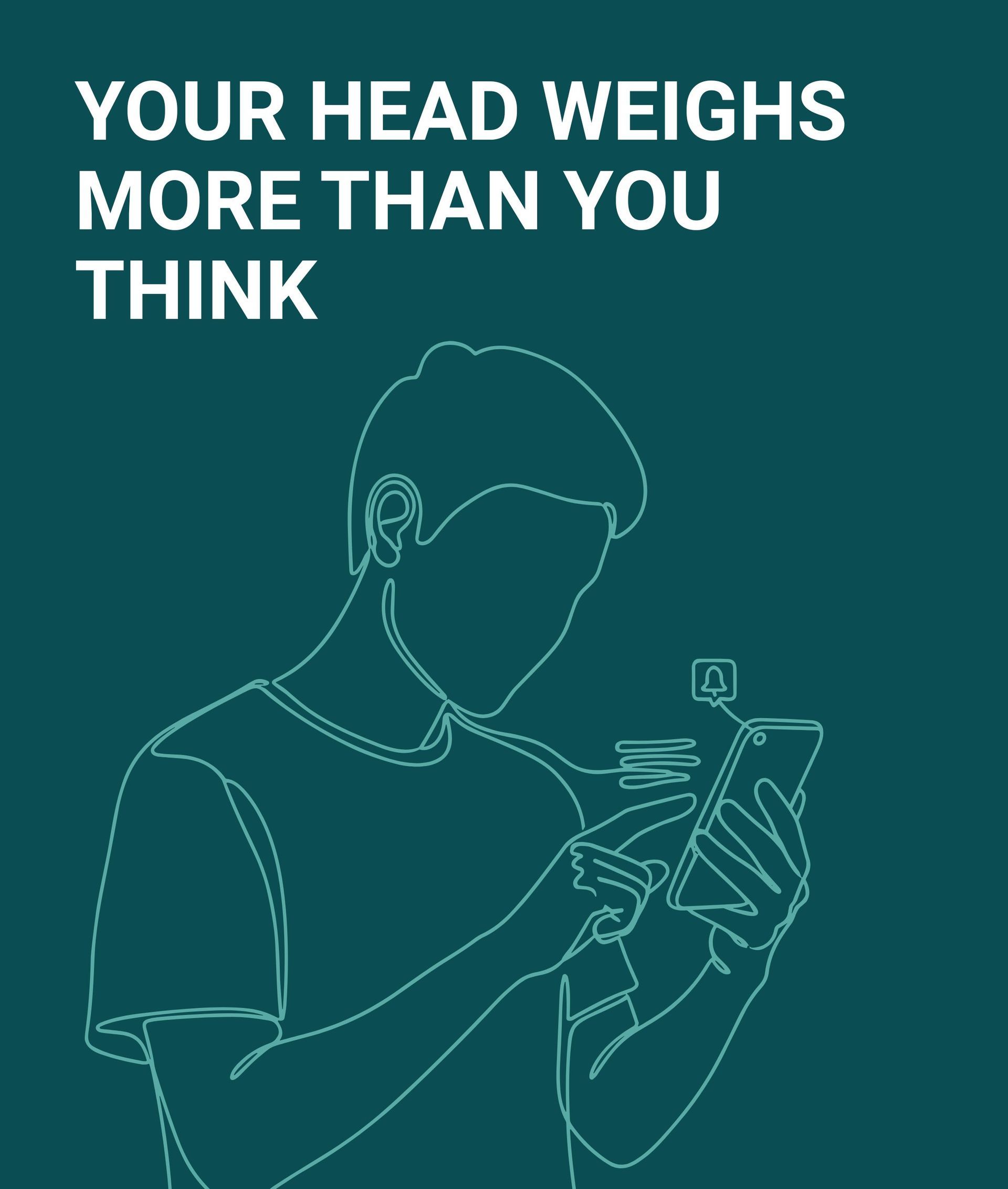
Your neck supports your head throughout every working day.
Looking down at a phone or tablet often keeps your neck in a fixed, forward-leaning position. Over time, this places added strain on the muscles and joints of your neck and upper back. Yale Medicine recommends raising your screen, changing position regularly and avoiding prolonged device use.
Long periods in one position often lead to muscle fatigue. You might notice:
- Neck stiffness
- Tight shoulders
- Discomfort between the shoulder blades
- Reduced movement when turning your head
- Headaches associated with neck tension
- Symptoms becoming worse after long periods of screen use
Six practical ways to reduce screen-related neck strain
1. Raise your screen
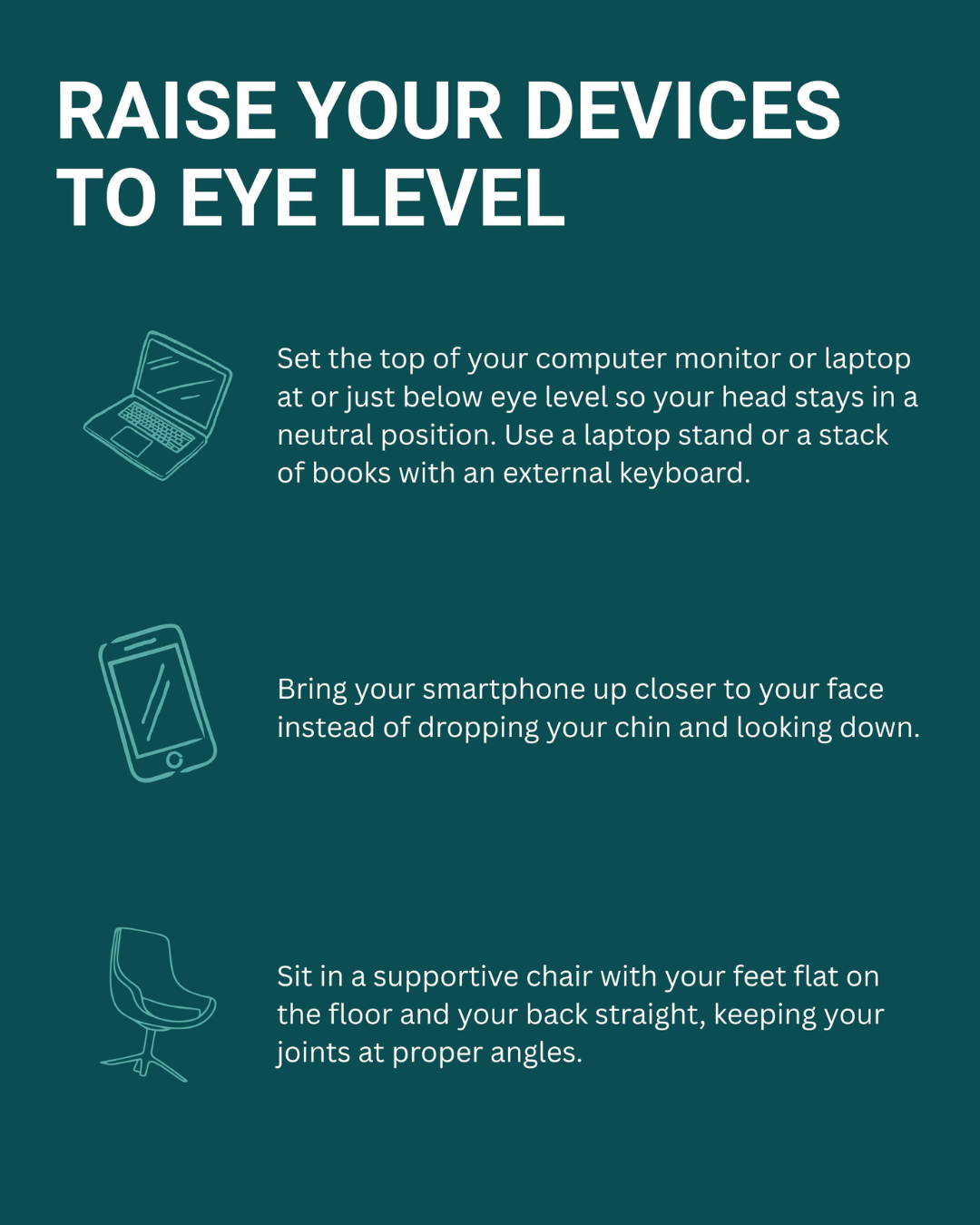
Position your computer monitor directly in front of you. The top of the screen should be at or slightly below eye level.
A low laptop often encourages you to drop your head towards your chest. Raise the laptop on a stable stand or stack of books. Use a separate keyboard and mouse so your shoulders and wrists stay relaxed.
Increase the text size if you find yourself leaning forward to read.
Yale Medicine recommends bringing your screen to eye level rather than lowering your head towards the device.
2. Bring your phone closer
Avoid dropping your chin towards your chest every time you check your phone.
Raise the phone closer to eye level. Keep your shoulders relaxed and support your elbows where practical. Switch hands during longer sessions.
Your neck does not need to remain perfectly upright all day. The aim is to reduce long, uninterrupted periods of forward bending.
3. Support your whole body
Neck posture starts below the neck.
Choose a chair with good back support. Keep your feet flat on the floor or use a footrest. Let your shoulders relax. Position your keyboard and mouse close enough to avoid reaching forward.
Avoid chasing one “perfect” posture. A comfortable supported position, followed by regular movement, matters more than holding yourself rigidly upright.
4. Try a gentle chin glide
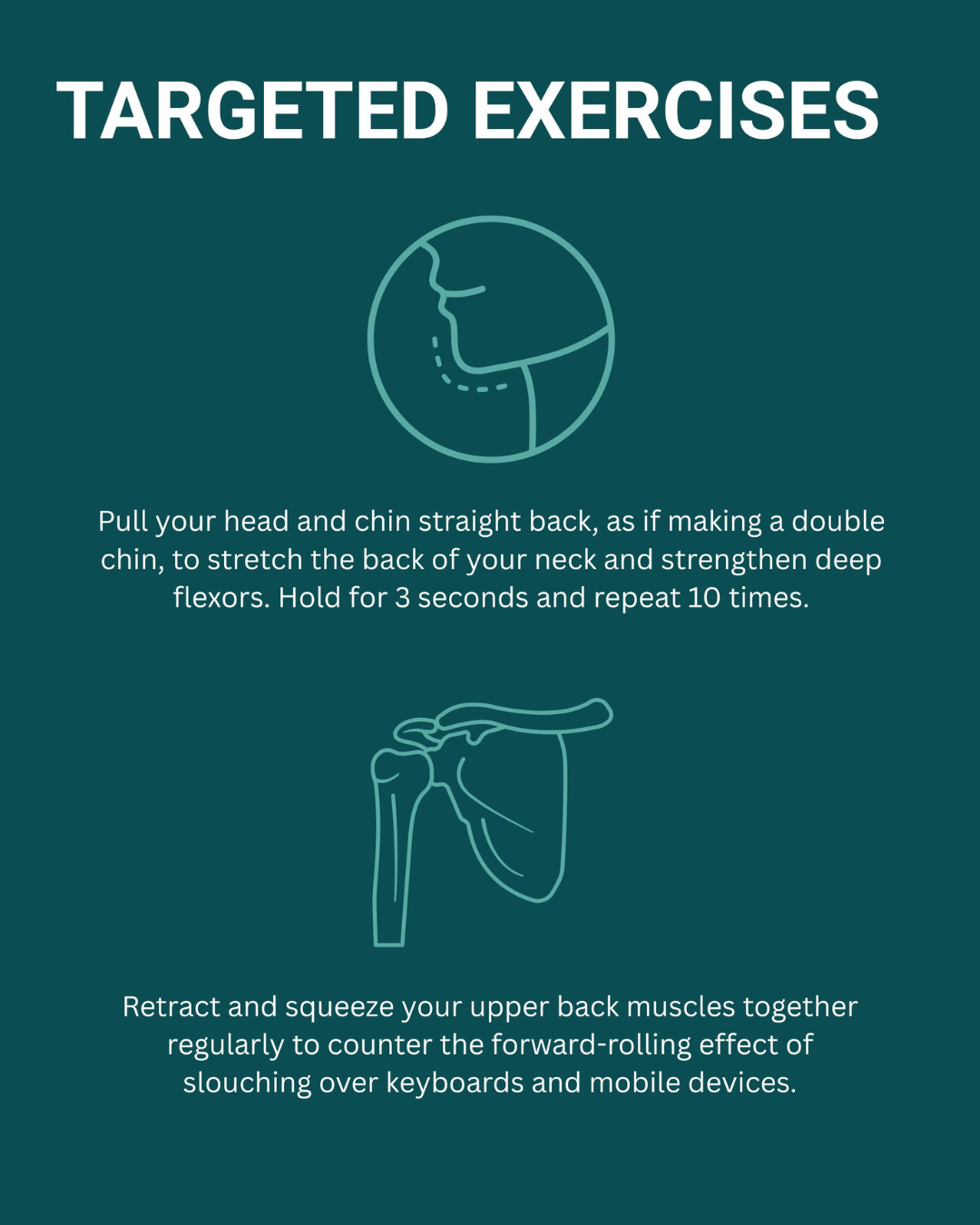
A chin glide, often called a chin tuck, encourages a more neutral head position.
- Sit or stand comfortably and look straight ahead.
- Draw your head straight backwards, as though creating a small double chin.
- Keep your eyes level. Do not force your chin down.
- Hold for about three seconds.
- Relax and repeat up to ten times if the movement feels comfortable.
The movement should feel gentle. Stop if you experience sharp pain, dizziness, numbness, pins and needles or worsening symptoms.
5. Reset your shoulders
Long periods at a keyboard or on a phone often leave the shoulders rounded forward.
Sit or stand comfortably. Draw your shoulder blades gently backwards and slightly downwards. Keep your shoulders relaxed and avoid arching your lower back.
Hold briefly, release and repeat several times during your working day.
Strengthening exercises for the neck, shoulders and shoulder blade muscles have shown some benefit for office workers with chronic neck pain. Current research rates the overall evidence as low certainty. Your exercise plan should suit your symptoms and health history.
6. Move before discomfort builds
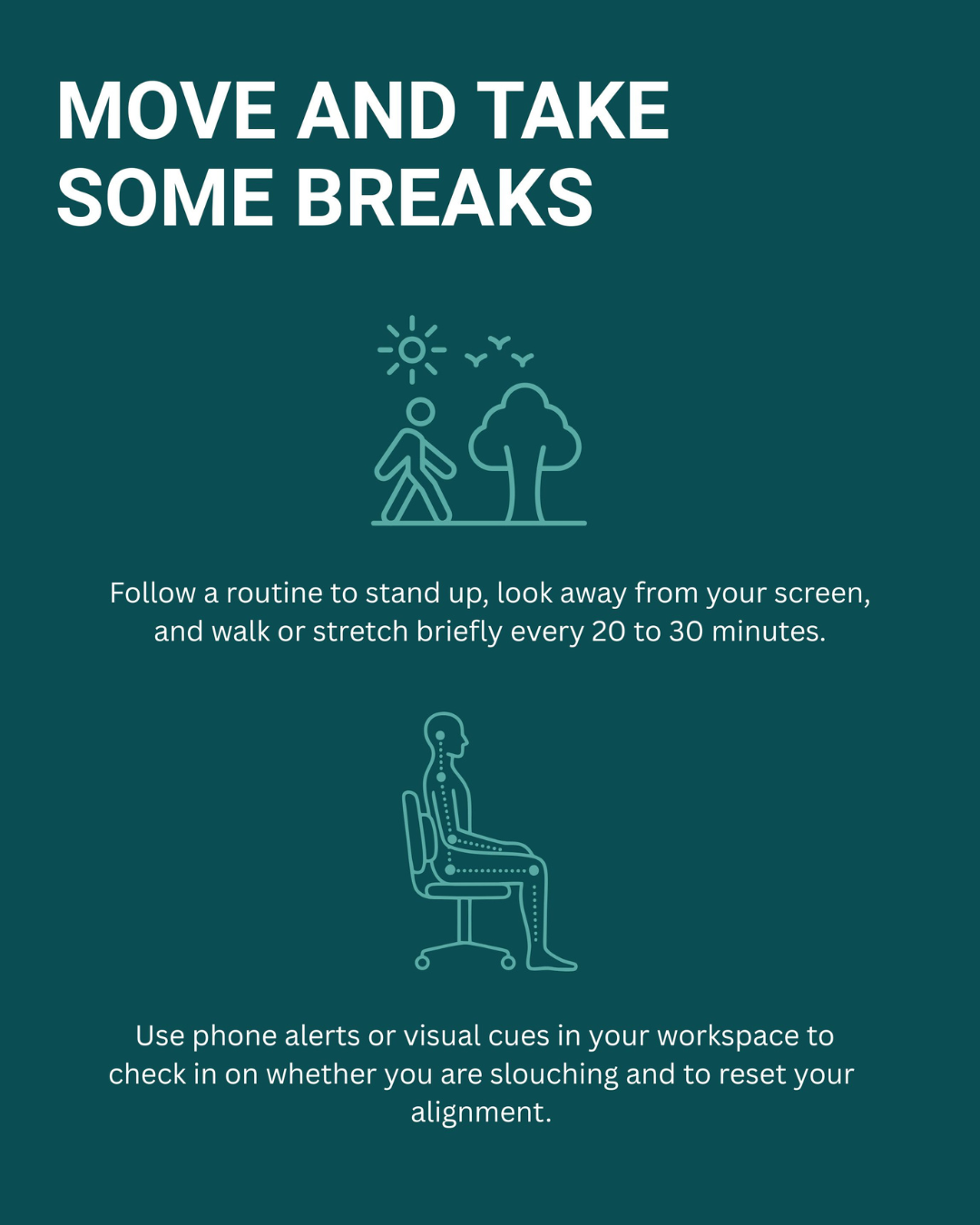
Set a reminder to change position every 20 to 30 minutes. Stand, walk, stretch or look away from your screen for a short period.
Treat the reminder as a practical cue, rather than a strict medical or legal rule. No single break schedule suits everyone. The main goal is to avoid staying in one position for hours.
Short movement breaks also give your eyes and concentration a rest.
South African workplace context
South Africa’s Ergonomics Regulations, 2019, require employers to provide appropriate information and training, assess workplace ergonomic risks and introduce suitable controls.
The regulations follow a risk-based approach. They do not prescribe one universal workstation layout or fixed movement-break interval. Workstation controls should reflect the employee, task, equipment and risks identified during the workplace assessment.
When should you seek professional help?
Arrange an assessment if your neck pain:
- Persists or keeps returning
- Becomes progressively worse
- Interferes with sleep, work or normal activities
- Started after a fall, collision or other injury
- Spreads into your shoulder, arm or hand
Seek urgent medical care for severe or worsening weakness, constant numbness, loss of coordination, balance problems, fever with severe neck stiffness, or changes in bladder or bowel control.
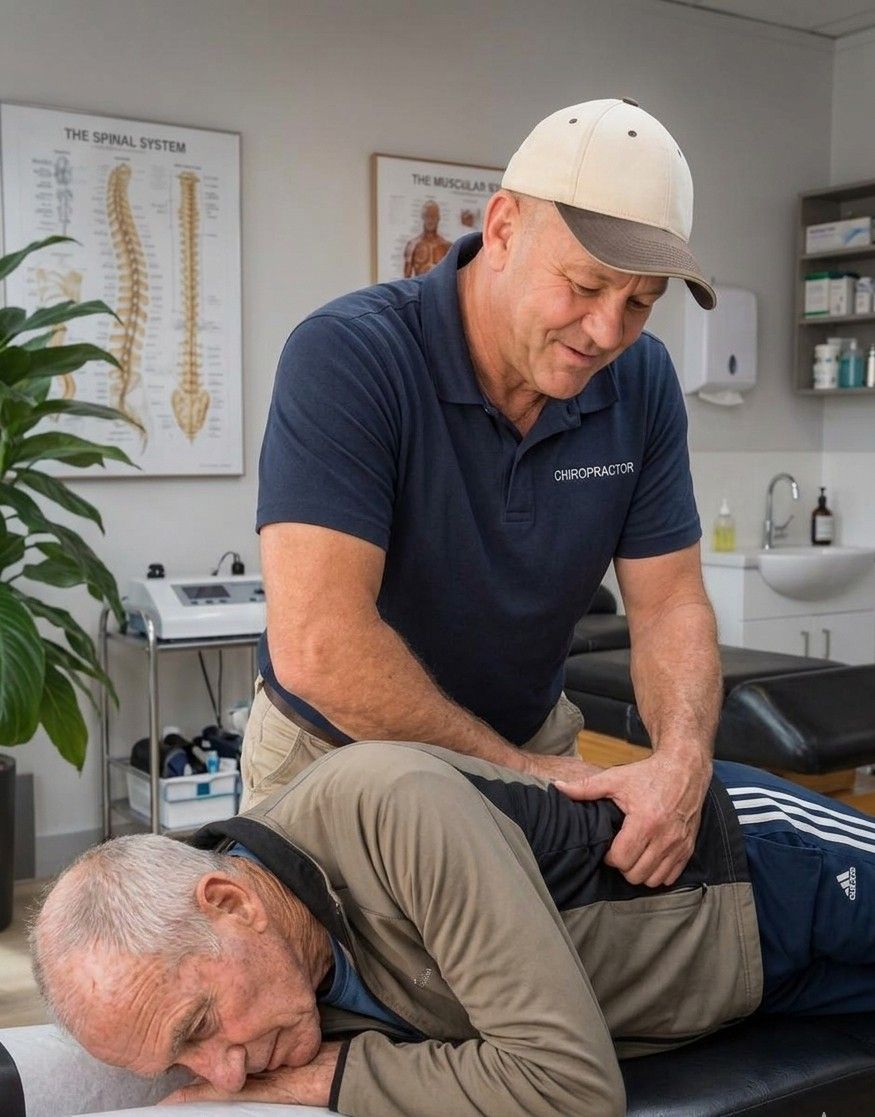
How Dr Ross Potgieter approaches neck pain
Neck pain does not always come from a single structure or blog post habit.
An assessment with Dr Ross considers your symptoms, health history, movement, muscle tension, joint function and possible nerve involvement. Advice and care are then matched to your individual needs. Referral for further medical assessment follows where needed.
Book a neck pain assessment in Fourways
Persistent neck pain deserves more than another day of rubbing your shoulders and hoping for relief.
Dr Ross Potgieter consults at Fourways Family Health Centre in Witkoppen.
WhatsApp 082 336 9763 to book an appointment.
Frequently Asked Questions
Is tech neck permanent?
Tech neck refers to a pattern of symptoms rather than permanent damage. Recovery depends on the cause, duration, general health and presence of any underlying condition.
Should my monitor be level with my eyes?
Place the top of the monitor at, or slightly below, eye level. Keep the screen directly ahead and close enough to read without leaning forward.
Does a standing desk solve tech neck?
A standing desk offers another working position. Standing still for long periods also causes fatigue. Alternate between comfortable positions and move regularly.
Are chin tucks suitable for everyone?
Gentle chin glides suit many adults, but no exercise suits every condition. Stop if symptoms worsen. Seek individual advice if pain persists or spreads into your arm.
Sources and further reading:
What Is Tech Neck and How Do You Prevent It?
South African Department of Employment and Labour: Ergonomics Regulations, 2019
Exercise for office workers with chronic neck pain
General information only. This article does not replace an individual examination, diagnosis or treatment plan.